Digital Marketing

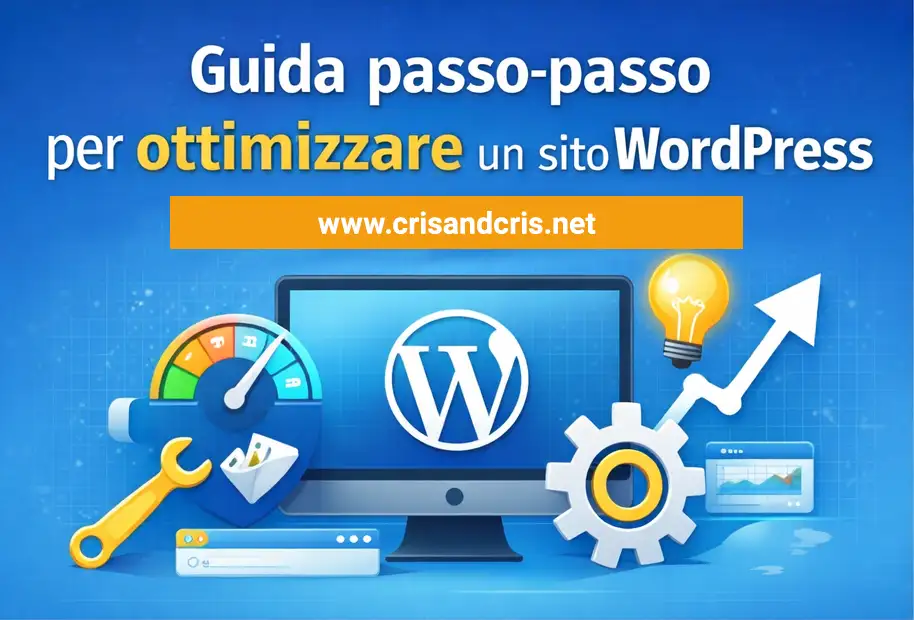
Step-by-step guide to optimizing a WordPress site

ottimizzazione di WordPress

Why optimizing a WordPress site is essential

WordPress is one of the most widely used CMSs in the world, but installing it doesn't automatically mean you'll be visible on Google.
Without proper SEO optimization, even a well-designed site risks losing traffic.

Optimizing WordPress helps:

improve your Google ranking

increase site speed

make content clearer for users and search engines

increase your chances of appearing in AI responses (Gemini)

Step 1 – Choose a reliable hosting

Good WordPress hosting should offer:

  • WordPress-optimized servers
  • Updated PHP
  • Server-side caching and firewall
  • HTTPS security protocol

👉 Unsecured hosting ruins any SEO strategy, even with perfect content.

At Crisandcris.net, we offer hosting with support included.

Step 2 – Set up WordPress correctly

Immediately after installation:

  • Settings → Reading
    ❌ Disable "Discourage search engines"
  • Settings → Permalink
    ✅ Use "Post name"
  • Make sure your site is HTTPS

These steps prevent serious indexing errors.

Step 3 – Install essential SEO plugins

For WordPress, the most popular are:

  • Yoast SEO
  • Rank Math
  • All in One SEO

With Yoast, be sure to:

Complete the title and meta description

Set the canonical URL

Check readability

⚠️ Only one SEO plugin at a time.

Step 4 – Optimize page structure

Each page should have:

  • Only one H1
  • Well-organized H2 and H3
  • Clear and descriptive URL
  • Introductory text that immediately answers the main question

This helps both Google and AI systems like Gemini understand the content.

Step 5 – Write useful and optimized content

Google now rewards content that:

  • answers a real question
  • is clear and complete
  • demonstrates expertise and experience

Best practices:

  • a main keyword
  • synonyms and semantic variants
  • short paragraphs
  • bullet points
  • practical examples

👉 Write for people, not for the algorithm.

Step 6 – Optimize Images and Media

Each image should have:

  • a descriptive file name
  • ALT attribute
  • correct dimensions
  • compression (WebP if possible)

Large images = slow site = worse SEO.

Step 7 – Improve site speed

Key actions:

  • Cache plugins (WP Rocket, W3 Total Cache)
  • CSS and JS compression
  • Lazy load images
  • Reduce unnecessary plugins

Always test with:

  • PageSpeed ​​Insights
  • Lighthouse

Step 8 – Take care of technical SEO

Check:

  • Active XML sitemap
  • Connected Search Console
  • Mobile-friendly structure

Technical SEO is the foundation on which everything else works.

Step 9 – Usa dati strutturati (Schema.org)

I dati strutturati aiutano:

  • Google a comprendere meglio i contenuti

  • Gemini a usare le tue risposte nelle AI Overviews

Le FAQ sono uno dei formati più efficaci.

Step 10 – Monitor and improve over time

SEO isn't a one-time thing.

Check:

  • traffic
  • search queries
  • best-performing pages
  • content to update

Updates win.

Frequently Asked Questions about WordPress Optimization

Is WordPress already SEO-friendly?

WordPress is SEO-friendly, but it requires technical and content optimization.

Do I absolutely need an SEO plugin?

No, but it makes everything easier and reduces errors.

How long does it take to see results?

On average, 3–6 months, depending on the industry and competition.

Is WordPress also suitable for AI like Gemini?

Yes, if the content is well-structured, clear, and contains structured data.

We are reliable partners at your service

Write us your request now!!!

About us: Crisandcris.net

We are a web agency made up of web designers, developers, and graphic designers. We develop IT systems, websites, and offer comprehensive digital marketing services: SEO optimization, advertising campaigns, social media management, and newsletters.

We're ready to help you build or manage your WordPress website.

Our goal is customer satisfaction, improving our services, and offering genuine, valuable support!
If you've used our services, writing a review will motivate us to improve our service.

You can leave a review on our Google profile:
https://g.page/r/CVQKtj0BpS0cEAo/review

Visit our social media
Facebook: https://www.facebook.com/crisandcrisweb
Instagram: https://www.instagram.com/crisandcrisweb/
Linkedin:
https://www.linkedin.com/company/crisandcris/
https://www.linkedin.com/in/cristinagalia/

Write to us! Fill out the contact form or send an email; you'll find the contact information on the contact page.